


Sophie
14 October 2026 · 11 min read
Your text messages arrive from France without a hitch, but the photo your sister sent you has been frozen on "Tap to download" for three days? This isn't a fault. An MMS doesn't take the same route as an SMS: text travels over the network's signalling channel, whereas an MMS goes through mobile data and through a specific server belonging to your French carrier. Turn off data while roaming and the MMS stops dead.
Updated 14 October 2026.
Why do my text messages arrive abroad but not my MMS?
Because SMS and MMS are two technically distinct services. SMS is carried over the signalling network (the same one that handles your location on the cell tower): it gets through even when data is turned off, and even with a very weak signal. An MMS, on the other hand, is a file downloaded over a dedicated data connection, called the MMS APN, directed to your French carrier's multimedia gateway — Orange, SFR, Bouygues Telecom or Free Mobile.
The direct consequence when travelling:
- if you've turned off data roaming (the recommended reflex outside the European Union), the phone can't reach that gateway;
- the MMS then sits waiting on the carrier's server, with a limited retention period (generally a few days, varying by carrier) before permanent deletion;
- the hotel Wi-Fi won't save the day on most phones, because the MMS APN is tied to the mobile network, not to Wi-Fi.
It's exactly the opposite of what intuition suggests: the "little" text message is the most robust one, and it's the photo that fails.
SMS, MMS, RCS: which one depends on what?
| Service | Technical route | Works without data? | Works on Wi-Fi alone? |
|---|---|---|---|
| SMS | Mobile network signalling channel | Yes | No (unless Wi-Fi calling is enabled) |
| MMS | Mobile data + carrier's MMS APN | No | Rarely |
| RCS (Google Messages, Apple Messages) | Internet (data or Wi-Fi) | No | Yes |
| Messaging apps (such as WhatsApp, Signal) | Internet (data or Wi-Fi) | No | Yes |
This table explains most of the baffling situations you run into while travelling. Someone sends you a photo from an iPhone: if you're both on iMessage or RCS, it arrives over the hotel Wi-Fi. If the conversation has fallen back to SMS/MMS — because one of you lost the data network at the moment of sending — the photo turns into an MMS, and it waits.
To understand this switching between channels, we covered it in detail in our article on RCS versus SMS in France.
How much does an MMS cost abroad?
Within the European Union, including the European Economic Area, the "roam like at home" regulation applies: the MMS messages you send are deducted from your French plan just as in France, and MMS messages received are free. Arcep sets out this principle on its page dedicated to international roaming. One caveat, though: what's included is the MMS itself, but the volume of data consumed to download it is in principle deducted from your roaming data allowance — an MMS weighs anything from a few hundred kilobytes to several megabytes depending on image quality.
Outside the EU, the logic changes completely:
- sending an MMS is billed per message, often between a few tens of cents and more than €1 depending on the pricing zone;
- more importantly, downloading it uses non-EU roaming data, whose per-megabyte rate remains the real source of surprise bills;
- some carriers simply don't offer MMS while roaming on certain partner networks, in which case the service is unavailable rather than merely chargeable.
Exact price lists change and depend on the country: always check your carrier's "rates abroad" page before you leave, and keep a screenshot. We've devoted a full guide to billing pitfalls in SMS and data outside the European Union.
Useful rule of thumb: receiving an SMS is always free, anywhere in the world. Receiving an MMS, however, can cost money outside the EU since it uses data. That's the difference that hits travellers hardest.
How do you unblock an MMS stuck on "downloading"?
In order, from the simplest to the most technical. Test after each step.
- Turn on mobile data and data roaming. On Android: Settings → Network & internet → SIM → Roaming. On iPhone: Settings → Cellular → Cellular Data Options → Data Roaming. If you're outside the EU, turn them on only for the duration of the download, then switch them off again.
- Check the "MMS while roaming" option if your phone offers it. Android (Google Messages): App settings → Advanced → Auto-retrieve while roaming. iPhone: the option depends on the carrier and appears under Cellular → Messages.
- Disable data saver mode and battery saver mode: both block background downloads, and MMS is one of them.
- Switch back to 4G instead of 5G-only: some foreign partner networks don't route the MMS APN correctly over 5G. Settings → Cellular → Cellular Data Options → Voice & Data → 4G.
- Check the MMS APN. It must match your French carrier, never the foreign one. On Android: Settings → Network & internet → SIM → Access Point Names. If in doubt, the "Reset to default" action in that same menu restores the carrier's factory values.
- Restart the phone, then remove and reinsert the physical SIM if the problem persists. A SIM that didn't click back into place after a trip in a backpack is a mundane and underrated cause; a small SIM card storage case with its ejector tool saves you fiddling with a needle at the airport.
- Ask for it to be resent through another channel. Once the retention period has passed, the MMS is gone: only the sender can send it again, ideally over RCS or via an app that works on Wi-Fi.
And the other way round: why won't my MMS send?
The causes are symmetrical, with two specific twists.
File size. Every carrier applies a limit — commonly somewhere between 300 KB and 1 MB for an MMS routed to a foreign network. Beyond that, the phone recompresses the image, sometimes to the point of making it unreadable, or refuses to send it. A photo shot at 48 megapixels stands no chance of going out as an MMS to Telcel or Movistar without heavy compression.
Interoperability between networks. International MMS relies on agreements between carriers, which are less widespread than for SMS. An MMS can therefore be accepted by your carrier, billed, and never delivered at the other end — with no error message. That's one of the reasons cross-border MMS is in sharp decline in favour of RCS and apps.
If your text messages themselves refuse to go out to foreign numbers, the diagnosis is different and we covered it step by step in receiving SMS but unable to send them abroad.
How can you avoid the problem before you leave?
Move your important conversations to RCS
RCS (Rich Communication Services) carries photos, videos and read receipts over the internet, so over the hotel Wi-Fi, without touching your roaming data. Since 2026, end-to-end encryption between iPhone and Android has been rolling out, which finally makes the channel consistent: see our article on encrypted RCS between iPhone and Android.
Check it's enabled before you go: Google Messages → Settings → RCS chats, where the status should read "Connected".
Plan for a local data eSIM
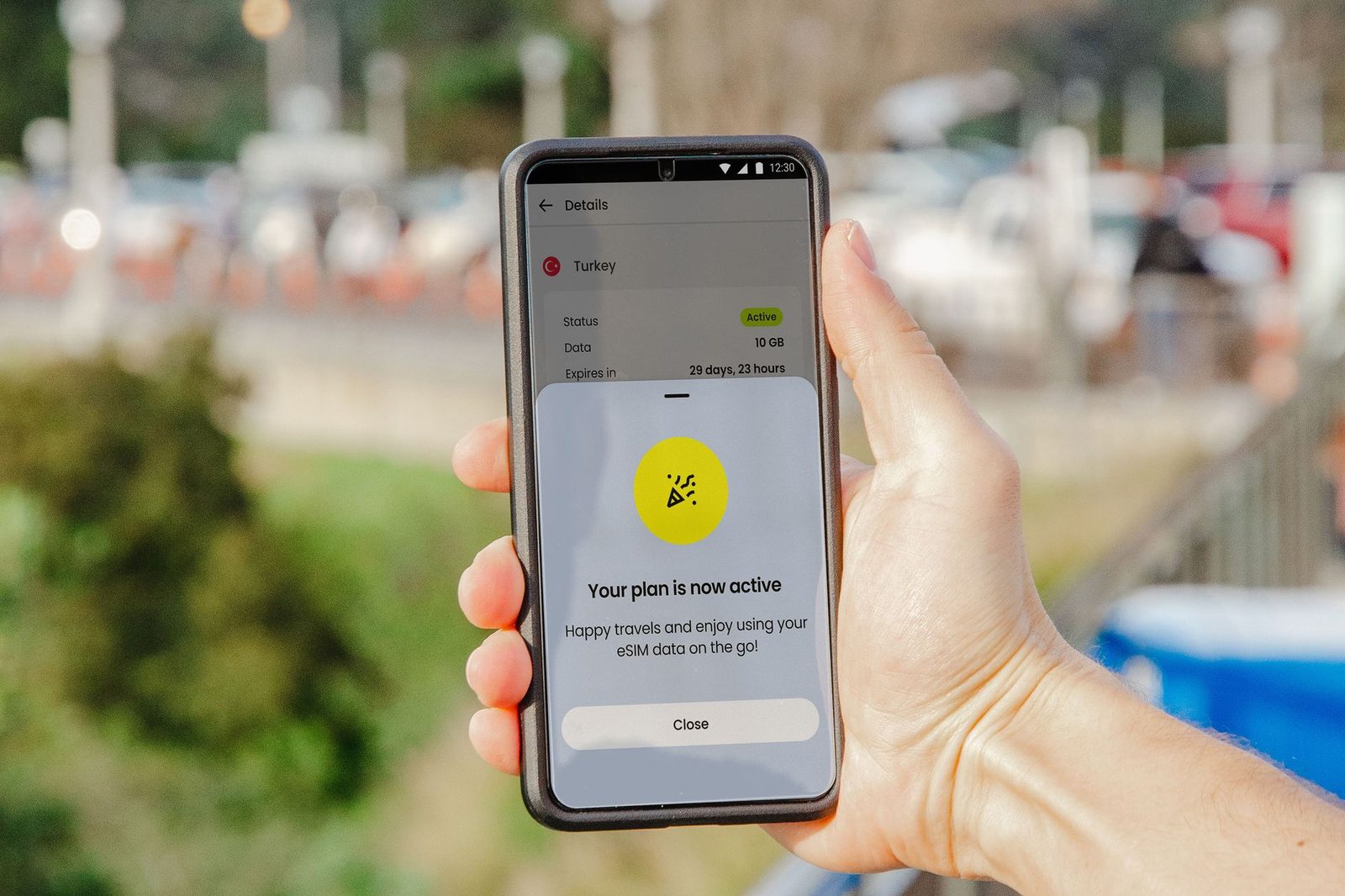
A data eSIM bought for your destination solves the download question: you have an affordable internet connection, and your messaging apps work normally. Watch out for one point that many people discover only once they've arrived, though: a data-only eSIM doesn't carry your French text messages, and certainly not your MMS, which stay tied to the French line. The right setup is dual SIM — the French line for receiving SMS, the local eSIM for data. We explain how it works in our eSIM guide.
Back up what matters before you go
The MMS messages you've already received (family photos, scanned documents) are only stored on the phone. Before a long trip, export them: a USB OTG flash drive for smartphones lets you copy an entire gallery without an internet connection, and a portable external hard drive remains the safest option if you're leaving for several months. If you've already seen the "storage almost full" message, our article on a full storage space explains where the gigabytes actually go.
Keep a fallback for text alone
Plain text always gets through, even without data. If you're travelling in an area with patchy coverage, a portable solar charger makes sure the phone stays on long enough to send a text, and a high-capacity power bank covers long journeys without a socket. To let someone know you're fine without touching your plan, you can also use our free text message sending from the internet service from any Wi-Fi connection.

Does MMS still have a future?
Arcep's figures have shown, for several quarters now, a continuous decline in MMS and, more broadly, in interpersonal message traffic carried over mobile networks, in favour of internet messaging and RCS. The authority's quarterly observatories, published on arcep.fr, document this shift.
In practical terms, for a traveller in 2026:
- SMS remains the most reliable tool for short, urgent information: it gets through where nothing else does;
- MMS is the weak link: dependent on data, billed per message outside the EU, poorly interoperable internationally, and size-limited;
- RCS and apps now cover everything MMS used to do, better and free of charge, as soon as Wi-Fi is available.
The practical recommendation fits in a single sentence: before you leave, make sure the people you talk to regularly can reach you by something other than MMS. The day a scanned ID document urgently needs to reach you from France, you won't want to discover that the file is sitting on a server with an expiry date.
For a complete overview of roaming billing pitfalls, also see our feature on roaming and roaming charges in Europe and the site's frequently asked questions section.
Frequently asked questions
Do you pay to receive an MMS abroad?
Within the European Union, no: receiving is free and your French plan's rules apply. Outside the EU, a received MMS uses roaming data, which may be billed per megabyte depending on your deal. That's the main difference from SMS, which is free to receive everywhere.
Why is my MMS stuck on "Tap to download"?
Because mobile data or data roaming is turned off, or because a saver mode is blocking background downloads. Turn on data roaming for the duration of the download, disable data saver mode, then try again.
Can you receive an MMS over Wi-Fi only?
Rarely. MMS goes through an access point (APN) tied to your French carrier's mobile network; most phones won't route it over Wi-Fi. For photos over Wi-Fi, you need RCS or a messaging app.
How long is an undownloaded MMS kept?
A few days, depending on the carrier, which then deletes it permanently. After that window, only the sender can send it again: ask them to do so through another channel.
My MMS to a foreign number was billed but never received — is that normal?
It happens: international MMS depends on agreements between carriers that are less extensive than for SMS, and the failure can be silent. Report it to customer service with the date and recipient number to request a goodwill gesture, and use RCS or an internet messaging app from then on.