



The Texto SMS Gratuit team
4 July 2026 · 4 min read
It's the end of an era for millions of Galaxy smartphone owners: Samsung has confirmed that its Samsung Messages app will stop sending and receiving messages from July 2026. After more than fifteen years of service, the Korean manufacturer's historic messaging app is handing over to Google Messages.
If your Samsung phone still uses Samsung Messages as its default texting app, a few minutes of preparation are enough to avoid a messaging outage — and to keep years of conversations safe. Here is the full guide.
What actually changes in July 2026
Samsung is not deleting your messages, nor removing the app overnight. But once the deadline hits, Samsung Messages will no longer be able to send or receive SMS, MMS or RCS messages. Old conversations will remain stored on the phone, but the app will stop working as a messaging client.
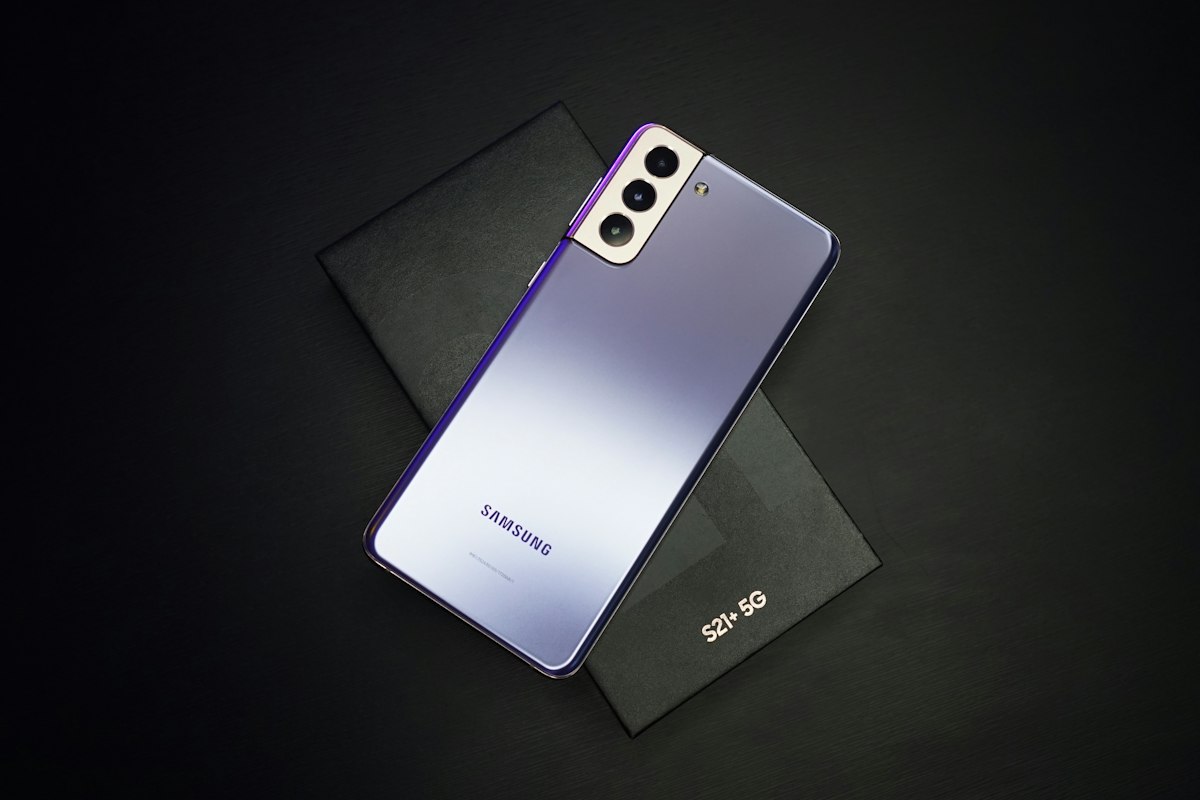
The shutdown affects devices running Android 12 or newer — meaning the vast majority of Galaxy phones in use today, from the S21 series to the foldable Z Fold and Z Flip. Only phones still on Android 11 or earlier are spared.
Why Samsung is retiring its own app
The reason comes down to three letters: RCS. Rich Communication Services is establishing itself as the successor to the classic SMS — read receipts, high-quality photos, advanced group chats, and now end-to-end encryption between iPhone and Android. We covered the differences in detail in our RCS vs SMS in France comparison.
The problem is that Samsung Messages no longer keeps up with the protocol's evolution. Rather than maintaining a lagging app, Samsung is aligning with Google Messages, which is already pre-installed and set as default on most recent Galaxy phones. In France, all four carriers — Orange, SFR, Bouygues Telecom and Free — support RCS through Google Messages.
Are you affected? The 10-second check
Open the app you use for texting and check your default apps settings:
| Your situation | What to do |
|---|---|
| Google Messages is already your default app | Nothing — the transition is invisible |
| Samsung Messages is your default app | Migrate before July 2026 |
| Phone on Android 11 or earlier | Not affected (but check the 2G shutdown) |
Step 1: back up your conversations
Even though the migration is supposed to preserve your history, backing up first is the one precaution you should not skip:
- Smart Switch: Samsung's tool makes a complete copy of the phone (messages included) to a computer. It is the safest option.
- Samsung Cloud: in Settings → Accounts and backup, check that messages are included in the automatic backup — many users have never turned it on.
Step 2: switch to Google Messages
On a recent device (Android 12+), the whole operation takes seconds:
- Download Google Messages from the Play Store (often already installed).
- Open the app.
- Accept the prompt to set it as your default messaging app.
On an older model, go to Settings → Apps → Default apps → SMS app and select Google Messages.
Your old conversations are kept: the phone re-indexes the message database after the switch, which can take a while if you have years of history. Let the synchronisation finish without switching back and forth between the two apps.

What happens if you do nothing?
Your phone will keep working, but Samsung Messages will become an empty shell: no new messages in or out. In practice, you could miss bank verification codes, medical appointment reminders or work messages — until you install Google Messages. Better to prepare now than to discover the outage the hard way.
Stay alert too: transition periods are a playground for scammers, who may send fake "Samsung" texts urging you to click a migration link. No manufacturer operates that way — see our tips on spotting smishing scams.
SMS is not dead yet
This transition illustrates the shift in messaging that French regulator Arcep documents every year: usage is moving to RCS and online messengers, but the good old text message remains unbeatable for reaching any phone, even without internet access.
And if you need to send a text without using your phone — device mid-migration, plan run dry or handset out of order — our free SMS sending form works from any browser, with no sign-up and no ads. Questions? Check the FAQ or contact us.